
What Wisconsin VINE Covers in Walworth
Walworth County runs its VINE connection through the county Corrections page, which links straight to VINELink. Wisconsin DOC explains the program on its official WI VINE County Jails page, provided through the Office of Victim Services and Protection with local law enforcement. Searches are anonymous, online or by phone. The service covers people held in county jails across the state.
There is no separate Walworth-branded SAVIN portal. No booking app carries the county name either. The statewide service supplies the search and alert tools, and its instructions list English, Spanish, and Hmong support. Phone enrollment works at 1-888-WI-4 VINE, or 1-888-944-8463.
VINE differs from the ProPhoenix locator. ProPhoenix shows the county-linked public booking display. VINE tracks custody status and alerts for one selected person. It promises no booking photo. It also cannot stand in for the Sheriff's records unit when the question is an incident report or photo file.
The official Wisconsin VINE County Jails page is the best place to understand why a Walworth custody alert runs through a state system.
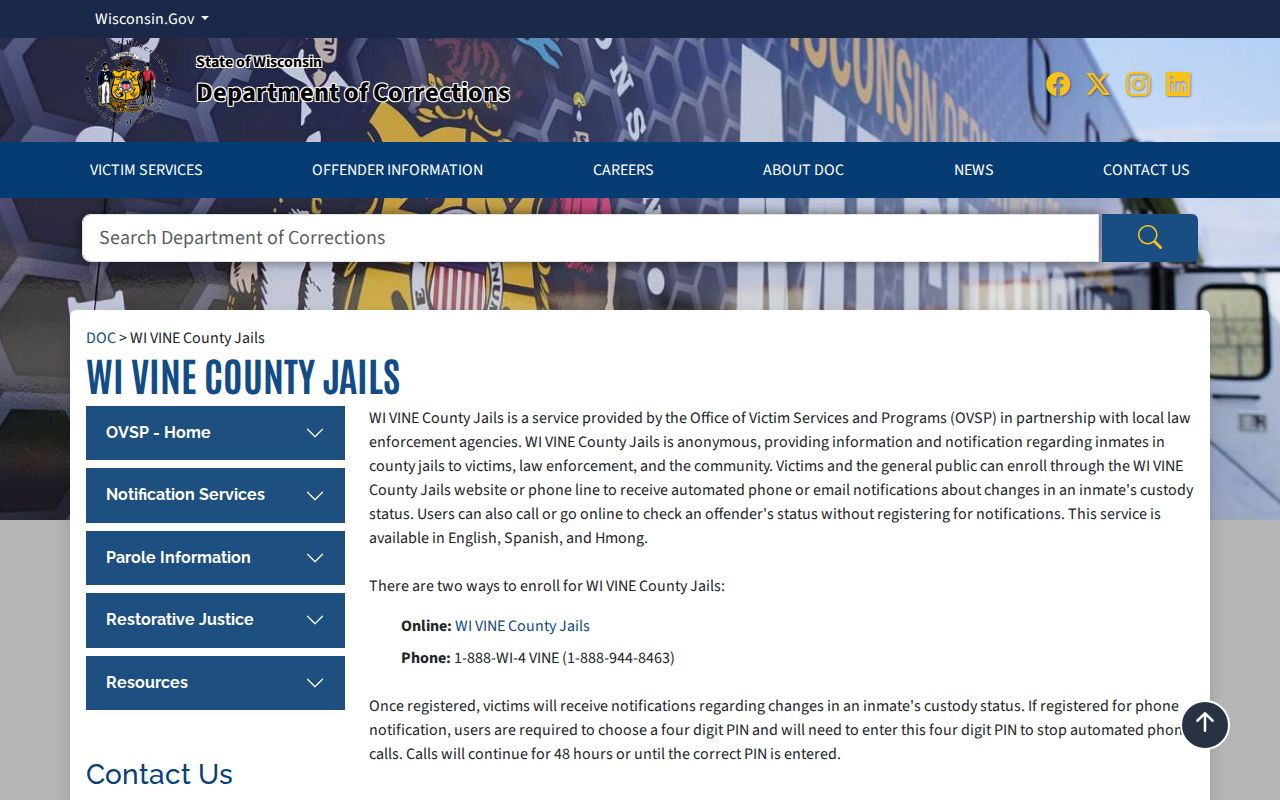
The page displays the statewide program and its county-jail scope, not Walworth arrestees.
How to Check a Walworth Arrest on VINELink
Start at the Wisconsin entry, VINELink Wisconsin. The screens are dynamic, so labels and fields can shift. These steps follow state guidance and the common VINE workflow, not a promise of identical screens for every record.
- Open the Wisconsin VINELink state screen and choose the search and registration function.
- Select Wisconsin and the relevant county-jail or facility choice when the application asks for one.
- Search with the available offender-ID or name fields. Exact spelling and a first initial may help separate similar names.
- Review more than one match carefully. Compare the facility and identifying information without publishing private alert details.
- Open the selected record to read the custody status and available notification controls.
- If no result appears, try the official Walworth locator and call the jail for an urgent custody question. Do not infer that no arrest occurred.
A VINE search fits one custody question at a time. It will not build a county-wide recent-arrest list. Someone arrested may not be entered into the jail system yet. The county locator can update on its own schedule. Want the official booking display and its lag? The Walworth same-day arrest page lays out both.
Never share a real person's phone number, email, PIN, or notification settings. Those details belong inside the private registration flow only.
What VINELink Shows After an Arrest
Result fields depend on the record and the current application screen. What matters is the line between custody status and the records held by the jail, the police agency, and the court.
| VINE result area | How to read it |
|---|---|
| Person or offender match | A possible match based on the name or identifier entered |
| Facility | The participating custody location attached to the record |
| Custody status | A status supplied to the notification system, subject to update timing |
| Release or transfer event | A notification-triggering change when reported through the system |
| Registration control | The path to select phone, email, text, or TTY options when offered |
| Offender or case identifier | A search aid that should be kept private when linked to alerts |
VINE is not a disposition tool. Charges may be dropped, reduced, or amended. This service will not say which. Court events live with the Wisconsin Court System and WCCA. Booking sheets, incident reports, and photos are separate. Those go through the Walworth Sheriff's records process. State custody after sentencing belongs to the Wisconsin DOC locator.
A release alert can also arrive late. Status changes begin before a message reaches a phone. An alert never proves the person is physically free at that exact moment. Treat notices as information, not as a safety decision or legal advice.
The public Wisconsin VINELink search screen is the entry point. Registration details stay private.

The redacted example shows the alert workflow while keeping any real person's phone, email, PIN, and notification settings out of view.
How to Register for Custody Alerts
Once the right record is selected, VINELink can offer alert registration. State guidance describes phone, email, text, and TTY methods. Registration is free through Wisconsin VINE. The contact method you choose still has to be safe and actually working.
- Choose the registration control attached to the correct custody record.
- Select the notification method shown by the application, such as phone, email, text, or TTY.
- Enter a contact method that can safely receive custody information.
- Create a four-digit PIN for phone registration and keep it private.
- Follow the confirmation instructions and keep the registration details available without sharing them publicly.
- Update or end the registration through the service if the contact method changes or the alert is no longer needed.
Wisconsin says the phone system may keep calling for 48 hours, or until the correct PIN is entered. That persistence does not mean instant alerts. Not every custody event triggers a call right away. Alerts report custody changes, nothing more. Treat each call as information.
The Walworth Victim-Witness Program also names Wisconsin VINELink as a release and custody-status resource for county-jail offenders. Its staff can share case disposition, court dates, and plea details on request. It is no booking-photo archive, though.
VINELink Limits and Walworth Verification
VINE cannot answer every custody question. It is not a warrant search. It is not a court-disposition database. Federal inmates sit with the Bureau of Prisons, and ICE detainees require a separate search. No booking photo is promised, and a blank field proves nothing about warrants or release.
Verify a fresh arrest: VINE may lag a new booking. Check the official Walworth County inmate locator first. For an urgent custody question call 262-741-4400, and use Central Records for the source document.
A blank VINE screen can mean several things. The name may be misspelled. The wrong facility may be selected, or the booking may be too fresh to post yet. Transfers, releases, and program limits can also hide a result. So try every name and identifier option the application offers before giving up. Then cross-check the county locator.
A no-result county search deserves the same caution. Neither empty screen rules out a Walworth County arrest. People sometimes land elsewhere in the system after local custody ends. Sentenced prisoners move to Wisconsin DOC, so try the DOC offender locator. Federal inmates appear in the BOP locator instead. Immigration custody runs through the ICE locator, which follows its own exact-match rules. None of these tools feeds one shared Walworth County arrest list.
Custody Status Is Not a Conviction
Each agency holds a different piece of the timeline. The jail keeps the booking. The court sets dates, and state systems pick up cases later. A person can show in the county locator first. They may get an initial court date, leave county custody, and then appear in a state locator months down the road. A release alert does not erase the case. A court disposition does not scrub every copied arrest record from the internet either.
Treat VINELink as a narrow tool. It answers one question: is this person reportedly in custody right now? It also sets up the notifications you want. For the underlying Walworth County arrest record, rely on official county and Wisconsin sources. Confirm any detail that affects safety, court action, or a records request.